
PRODUCT
Turn every product page into a fitting room.
Shoppers see the garment on themselves and know their likely size before they buy — without leaving your product page.
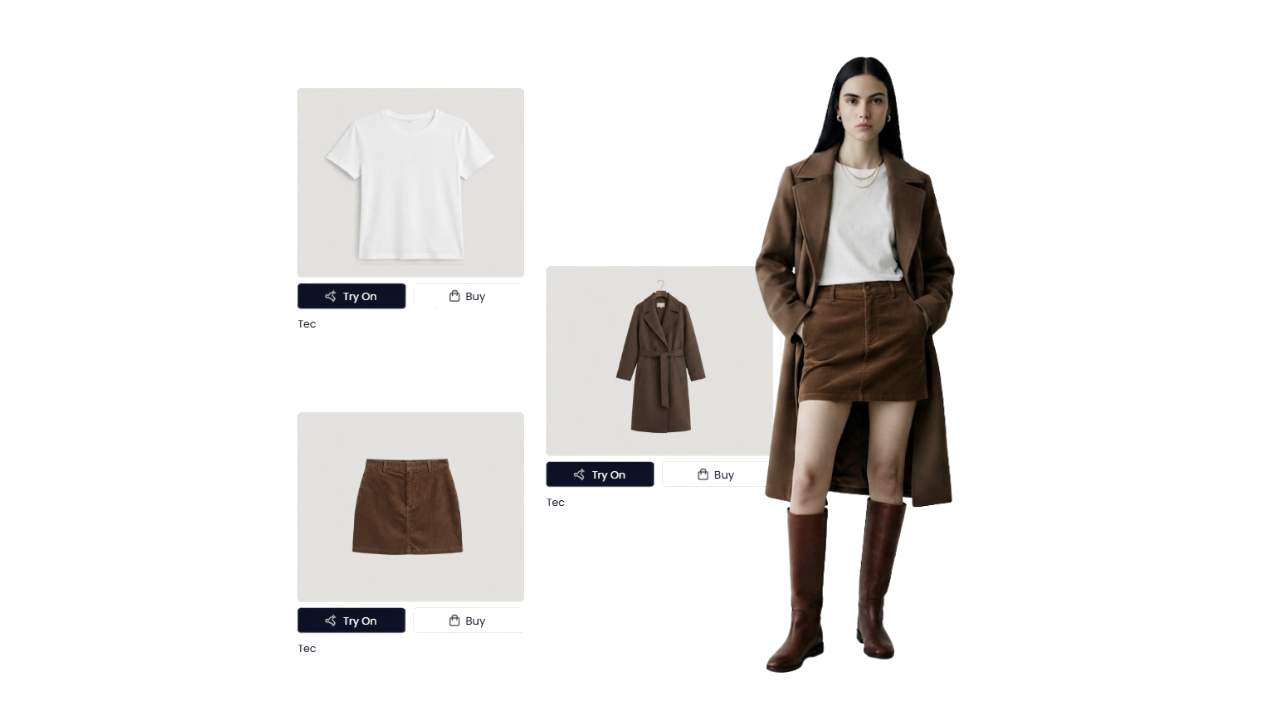
HOW IT WORKS
Get the perfect look in 3 steps
Shown as OmnyFit appears once installed on your product pages.
01
Choose Your Outfit
Pick any product on the page — no changes to your PDP layout.
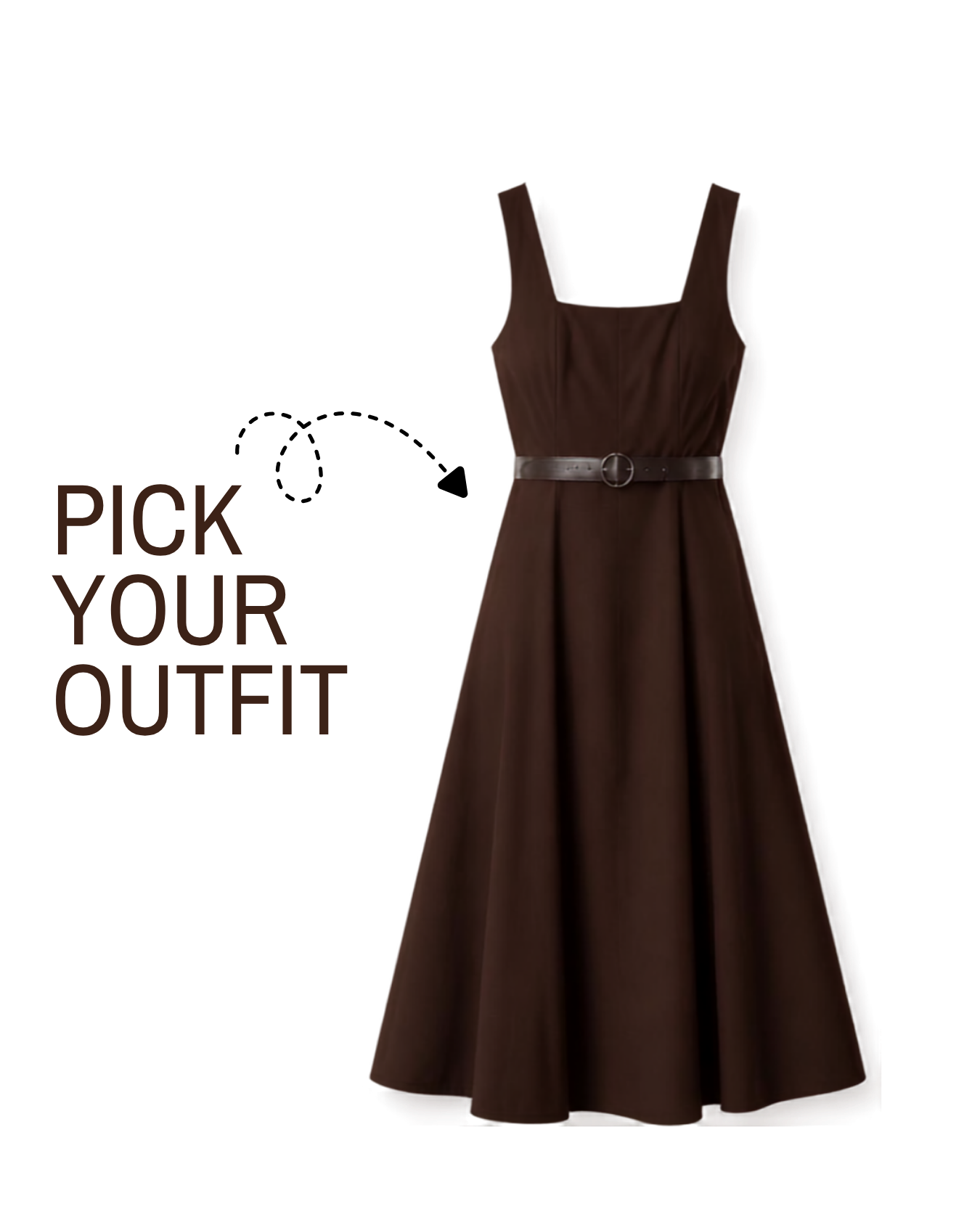
02
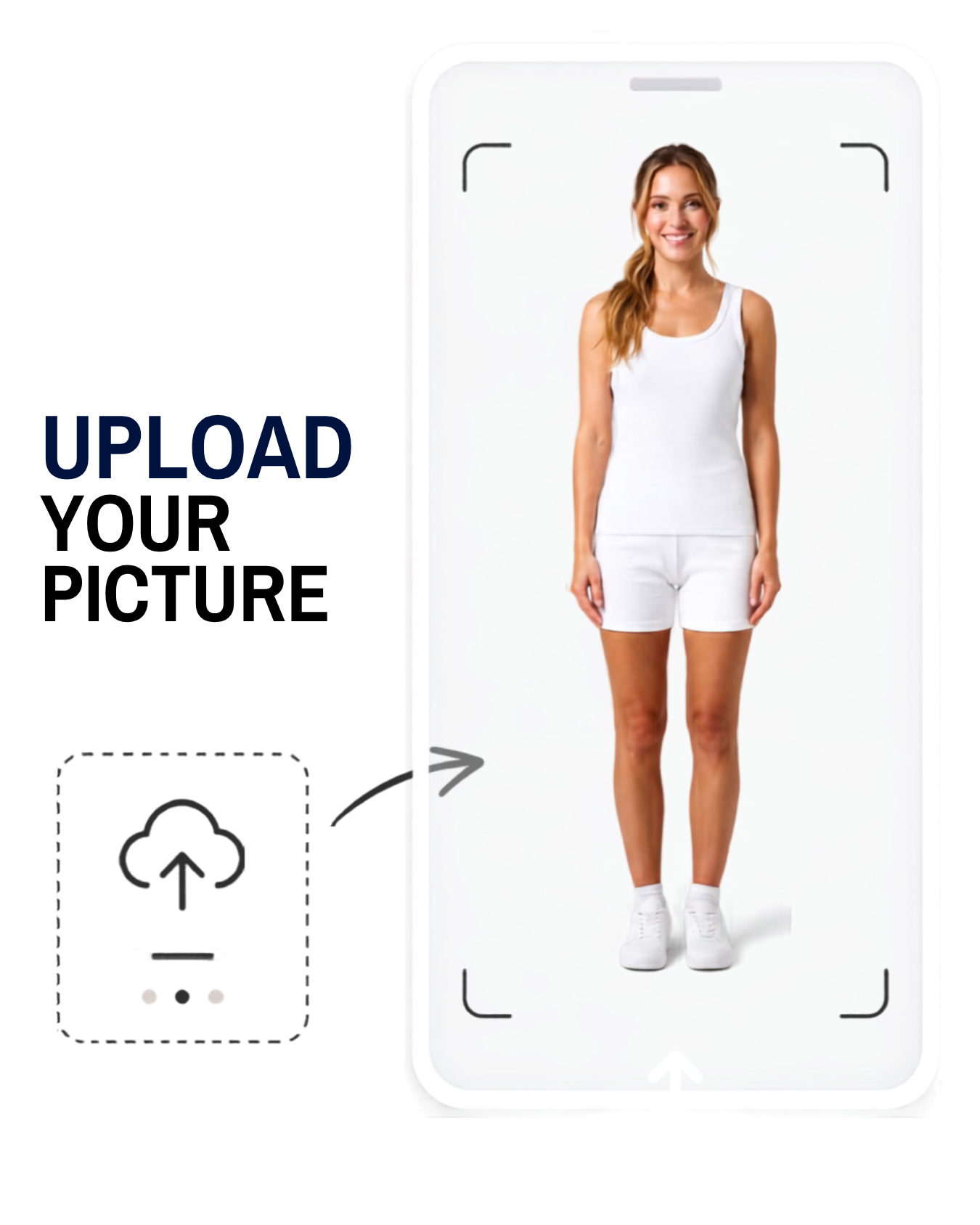
Upload Your Picture
Shoppers upload one photo. It's never stored.
03
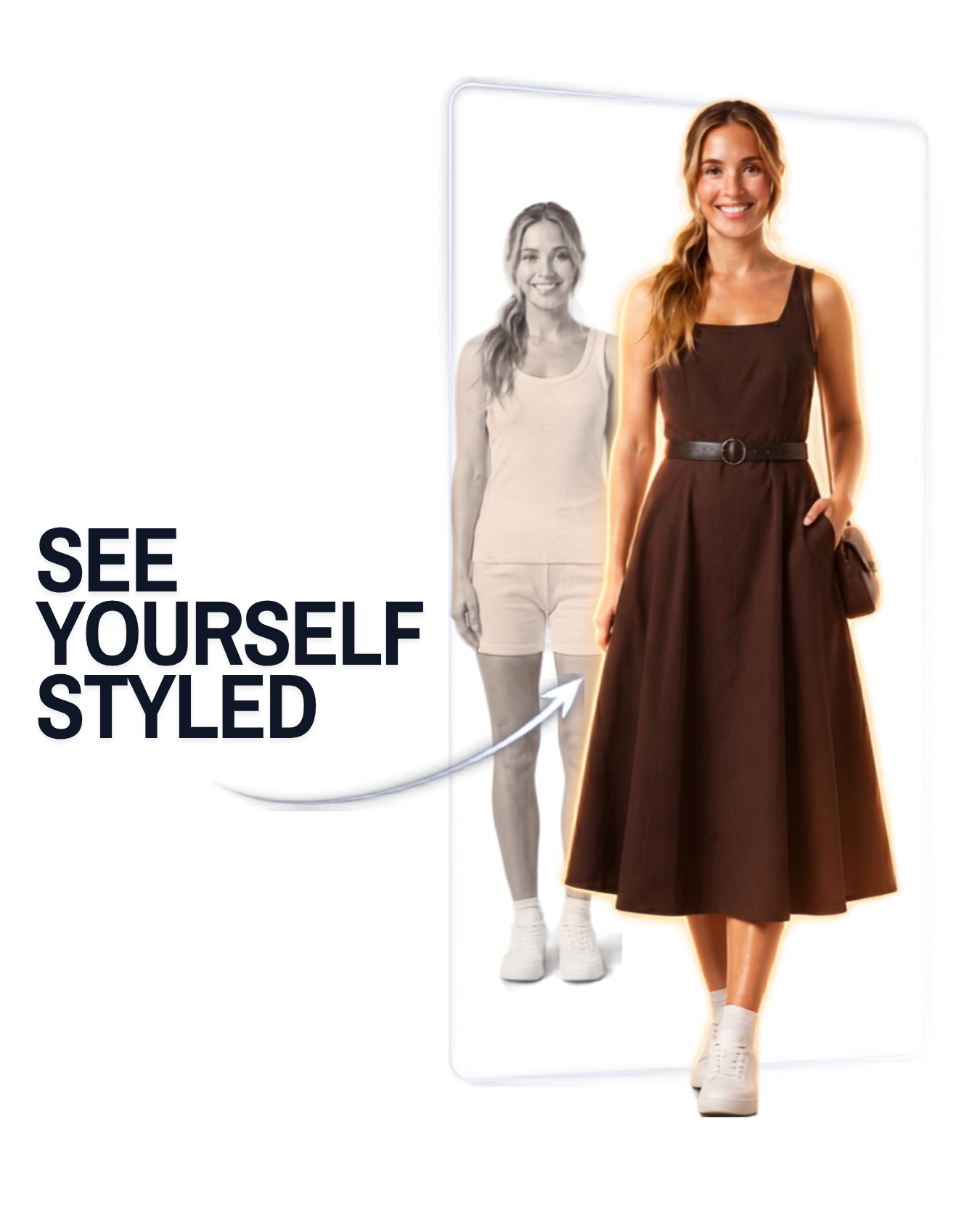
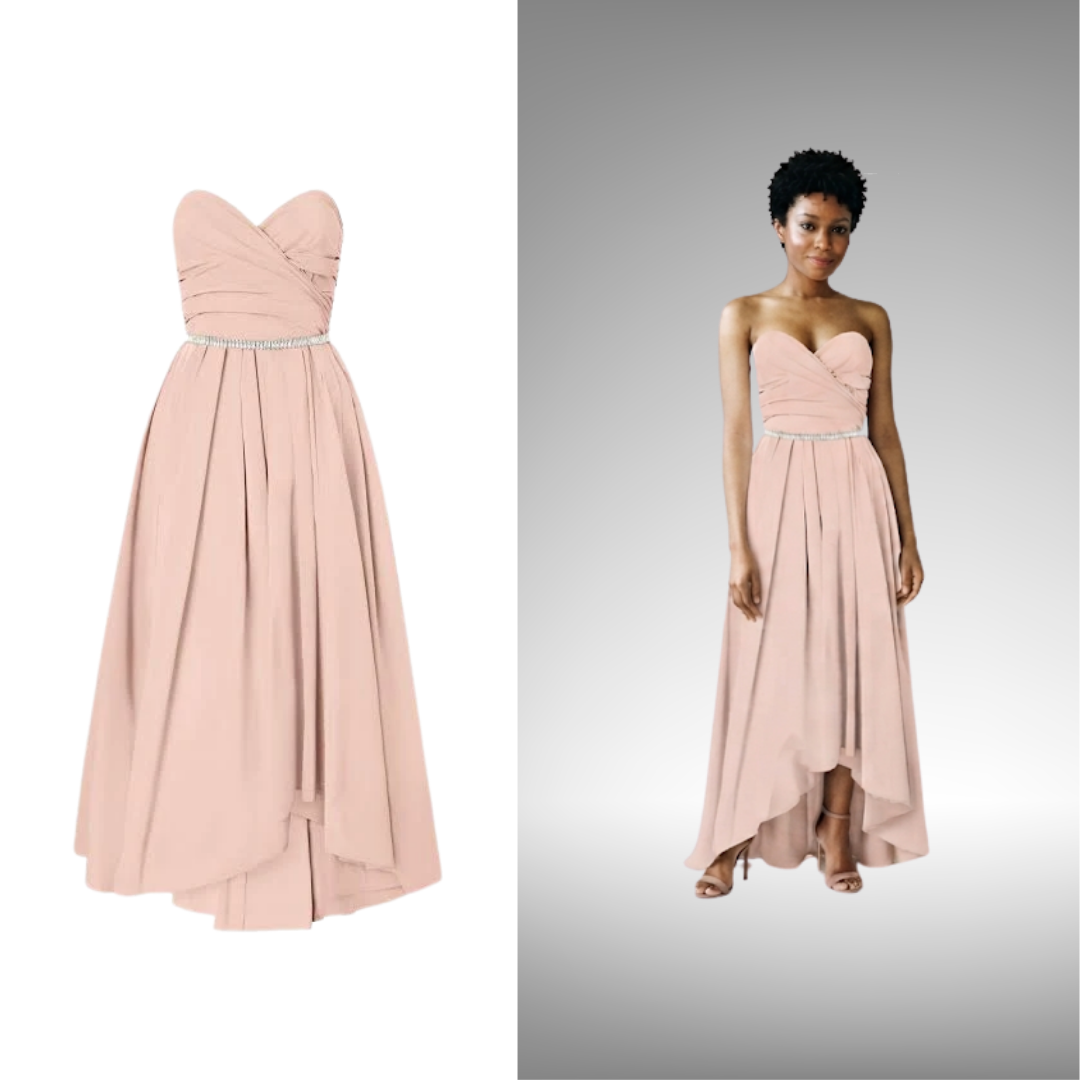
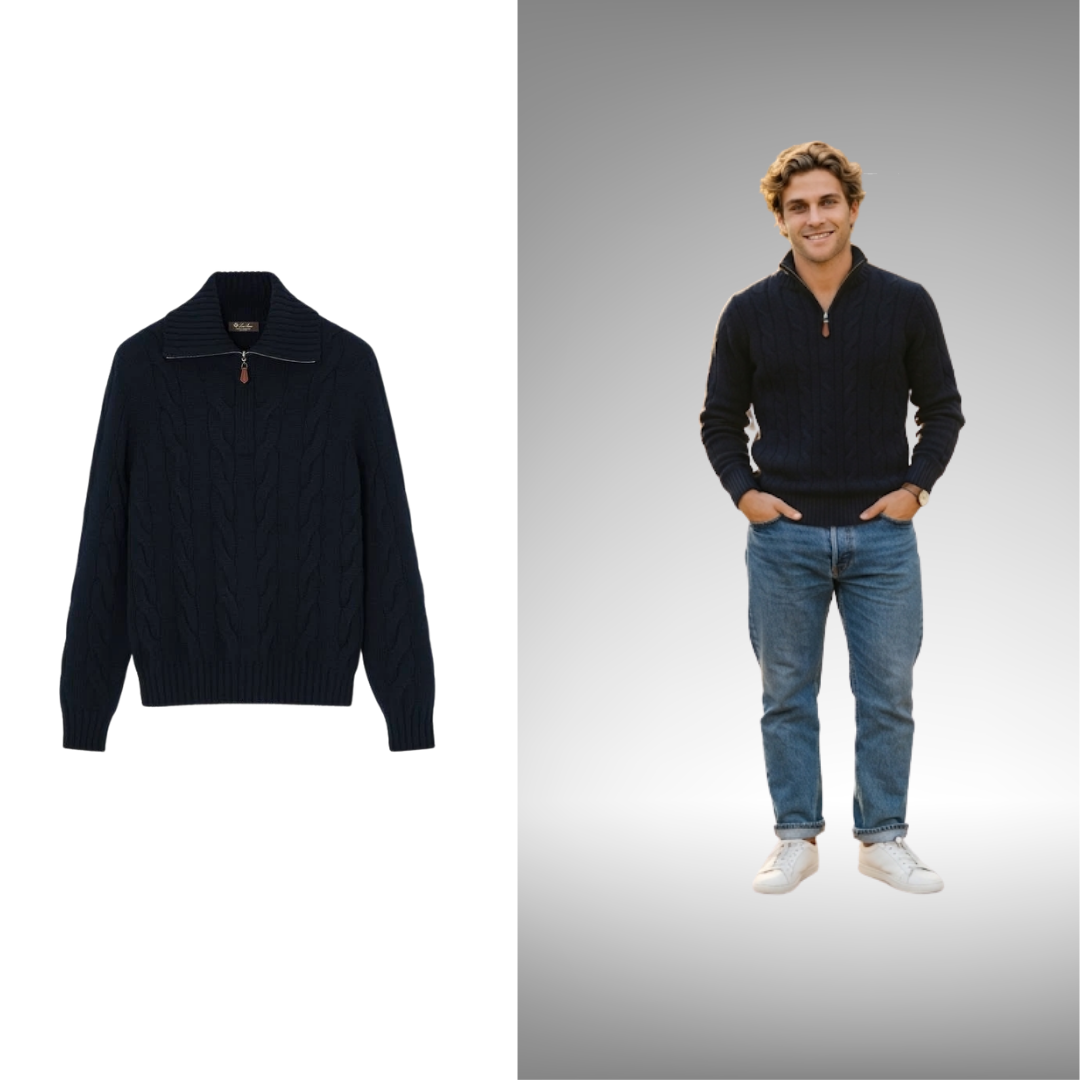
See Yourself Styled
Garment renders on their actual body in under 2 seconds.
SMART SIZING
No more size guessing. Fewer reasons to send it back.
OmnyFit never invents sizing. See which size fits you best, try it on virtually, and shop with confidence.
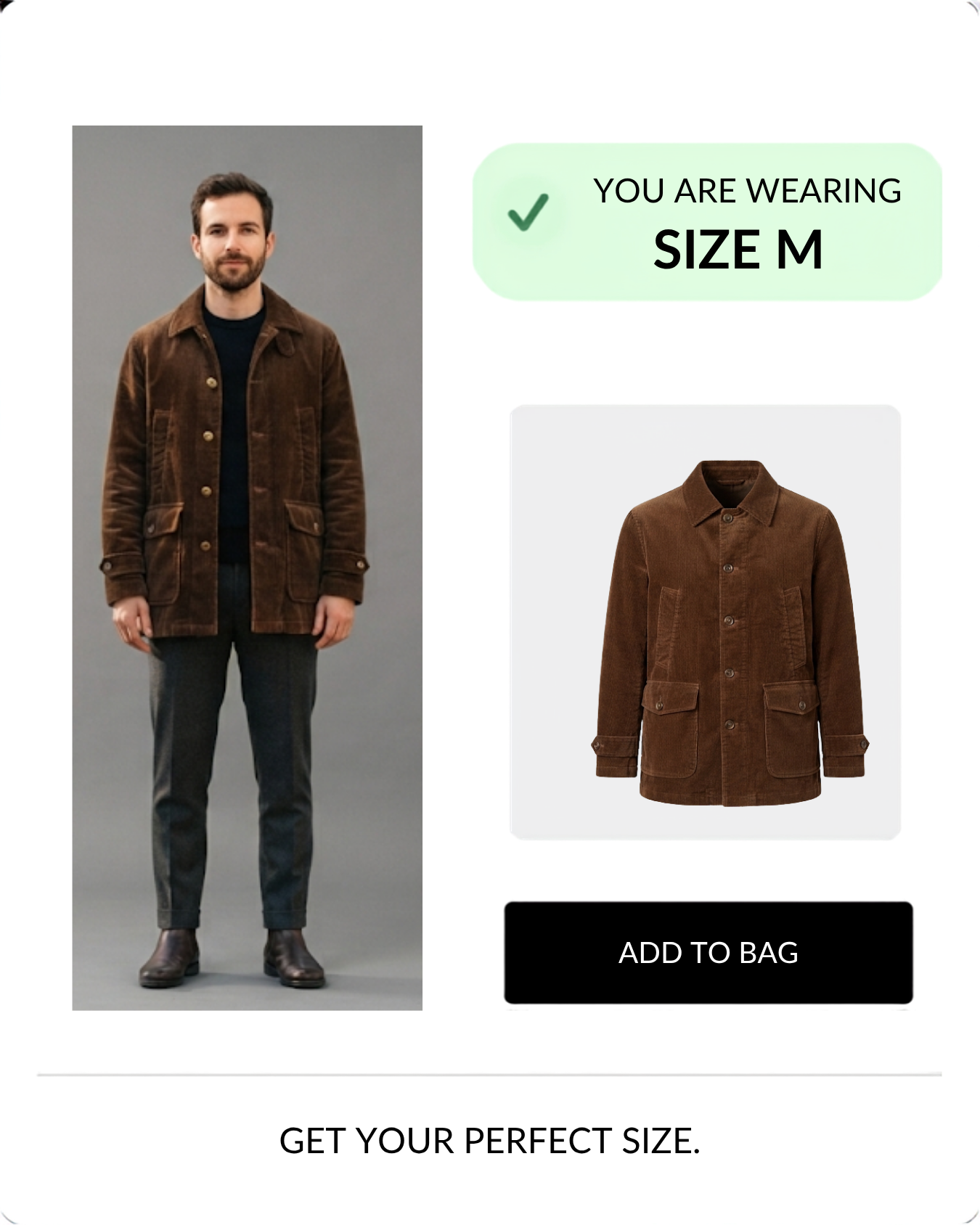
See the garment before it arrives
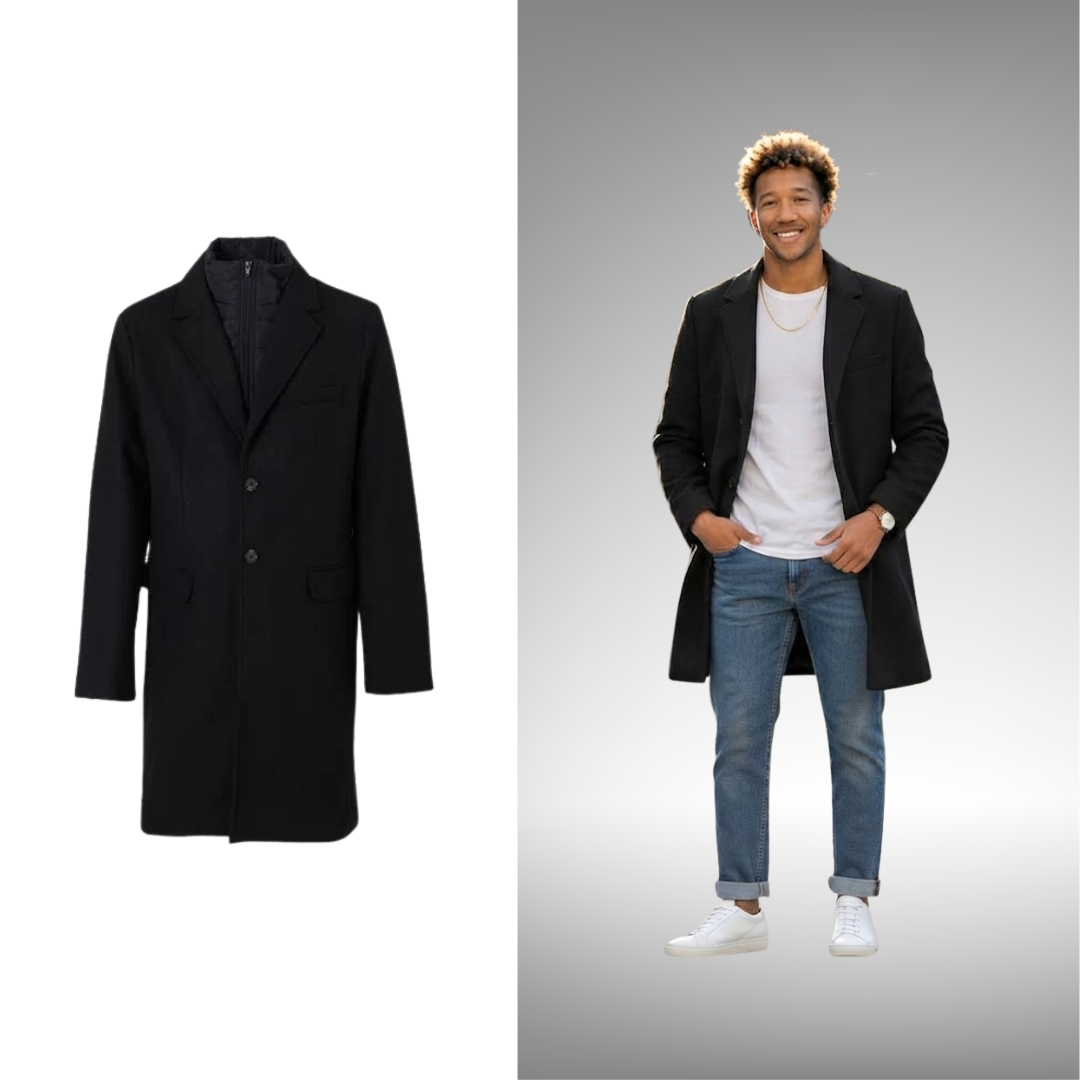
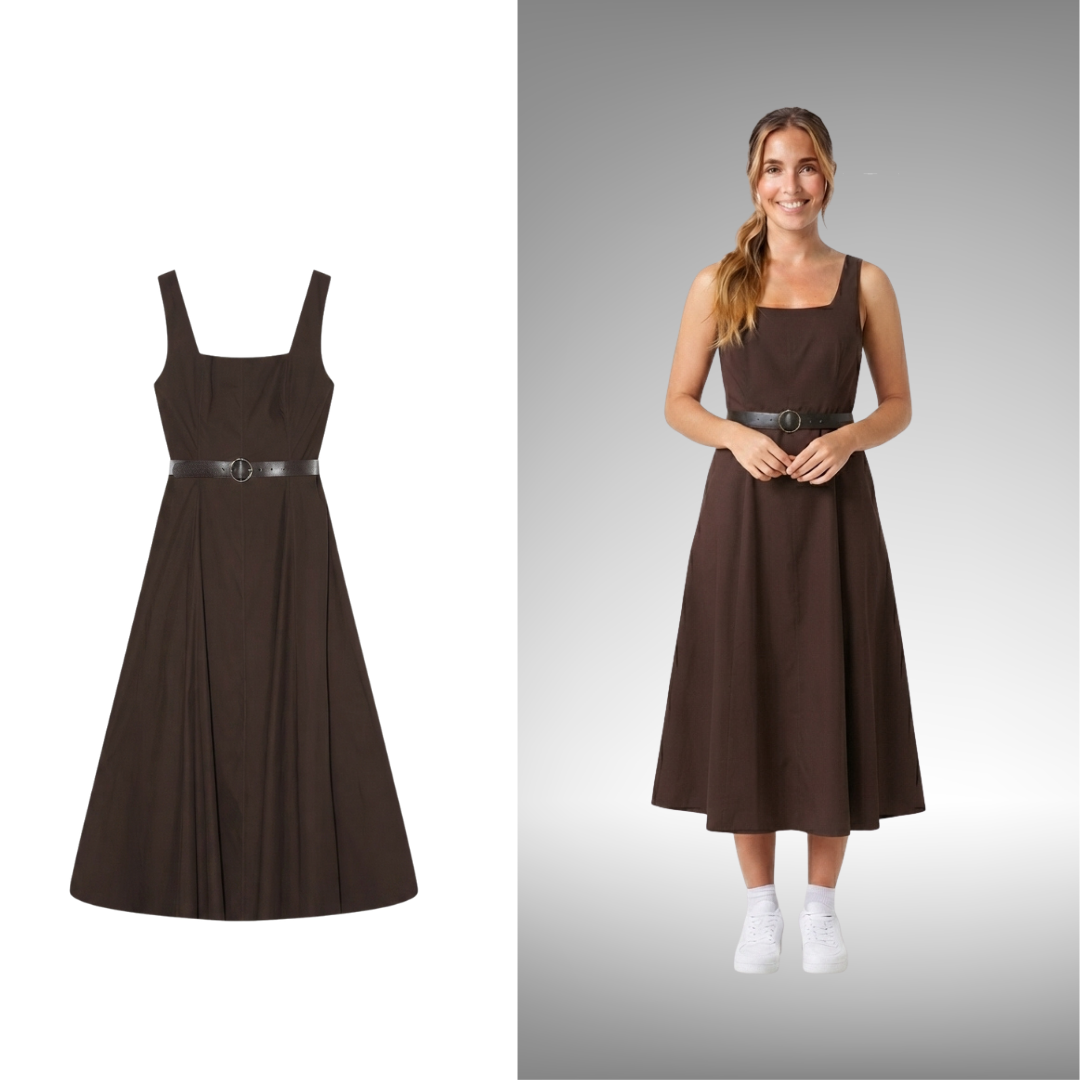
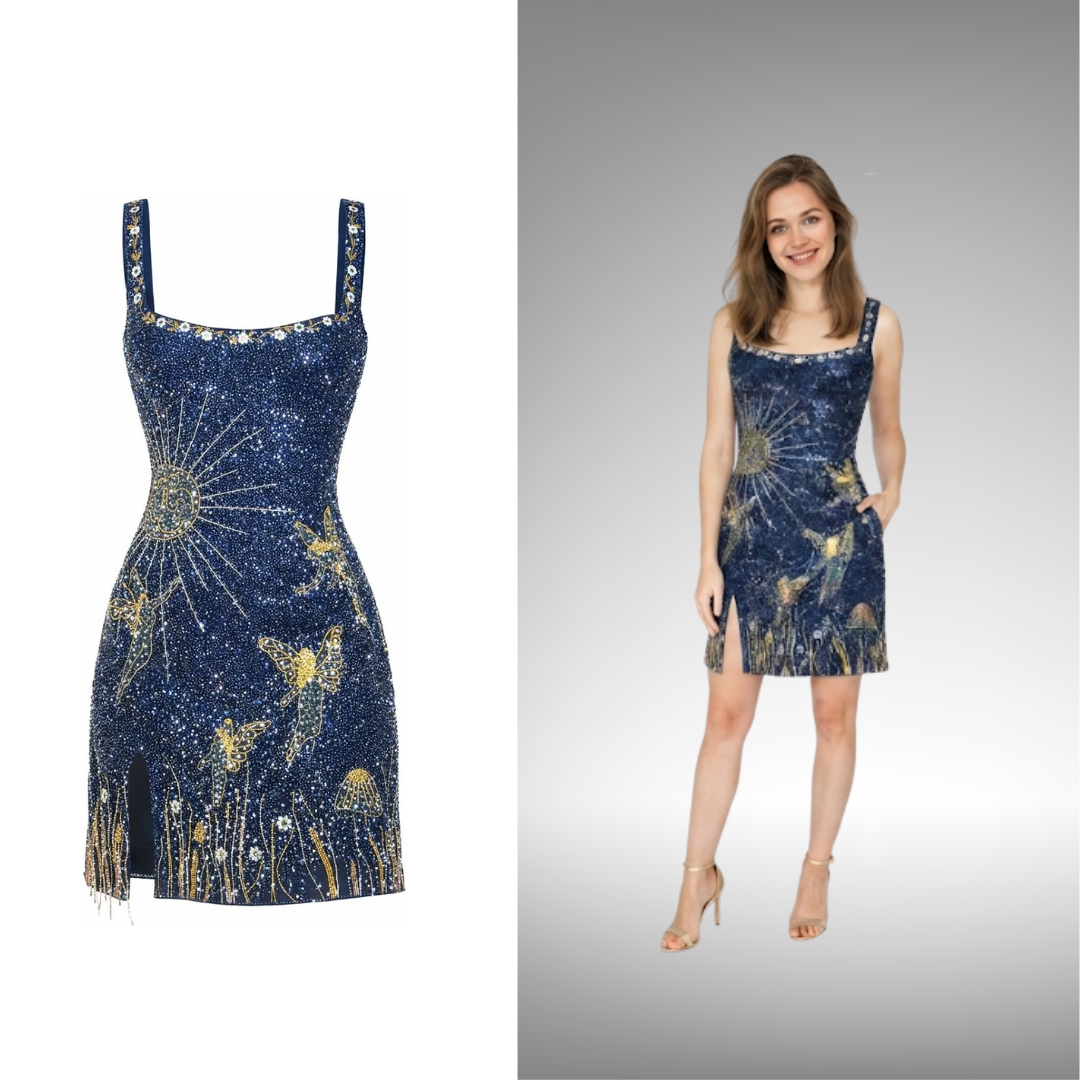
Style it before you buy it
INTEGRATE WITH YOUR STACK
Deploy in minutes
No more wait, get it on your e-commerce store now
Shopify
One-click app store install. No developer needed, no site re-platforming.
WooCommerce
Plug-and-play WordPress plugin. Connects to your product catalog in seconds.
API
Full REST API for custom storefronts, mobile apps, and headless commerce.
CALCULATE YOUR ROI
Every returned order costs margin you don't get back. Calculate your ROI.
No commitment to see your numbers. Takes about 90 seconds.